A smarter dashboard for your Davis WeatherLink data.
WindRose reads your existing Davis WeatherLink v2 feed and adds what the stock WeatherLink dashboard doesn't: interactive wind roses over any range, years of searchable history, per-device push alerts and an AI you can ask in plain language. No new hardware, no account migration — keep your WeatherLink.
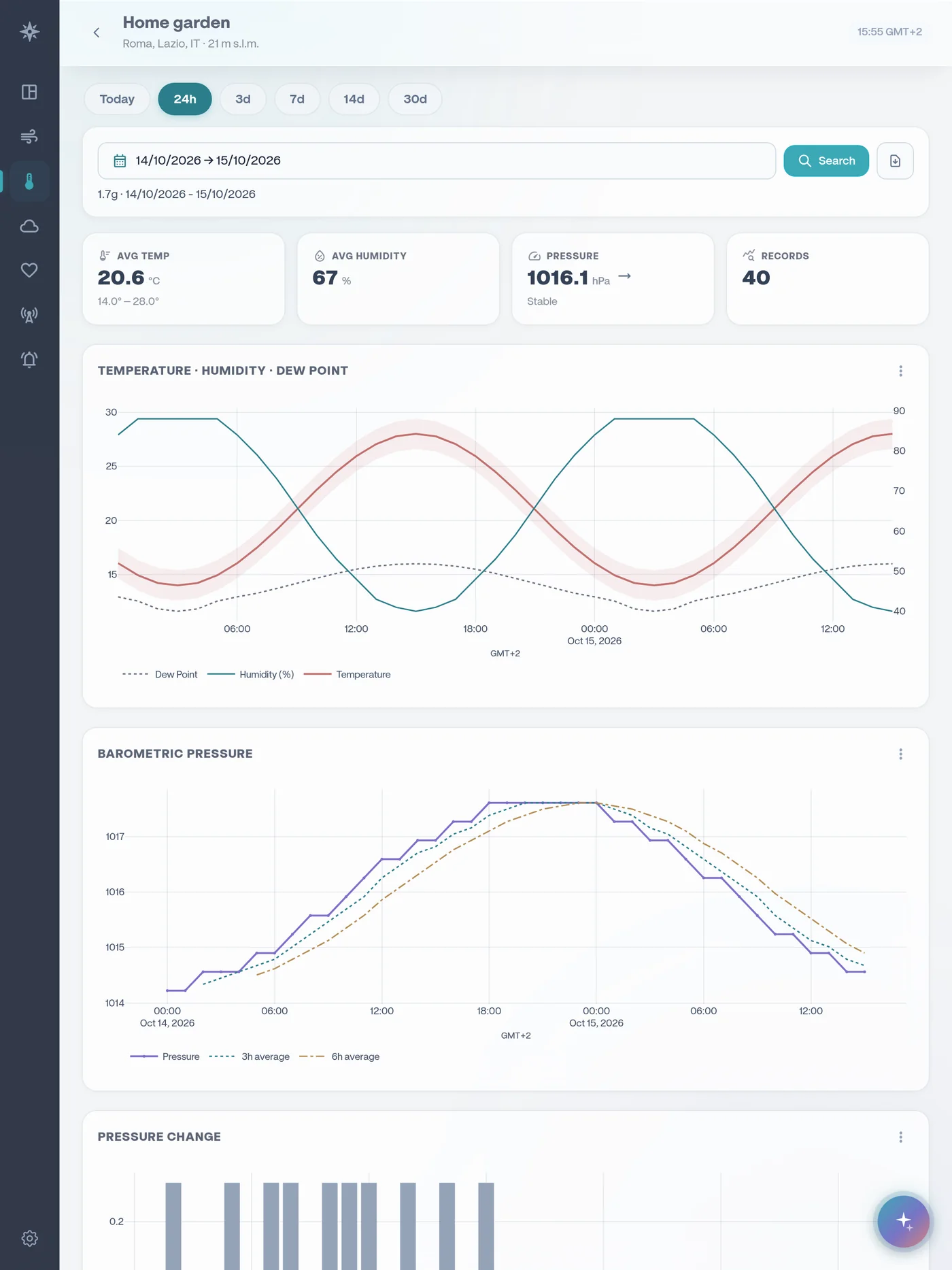
WeatherLink Cloud vs WeatherLink + WindRose
| Feature | WeatherLink Cloud | WeatherLink + WindRose |
|---|---|---|
| Live current conditions | Yes | Yes |
| Wind rose | Basic | Interactive, any date range |
| Historical data & charts | Pro subscription | Included — up to 2 years |
| Data export | Pro (Excel) | Yes |
| Threshold push alerts | Basic alarms | Per-device, per-condition cooldowns |
| AI weather assistant | — | Ask anything, in your language |
| Languages | Limited | 12 languages |
| Apps | Web + mobile | Installable PWA + Android |
| Your hardware & account | Davis native | Uses your WeatherLink v2 API key |
WindRose complements WeatherLink — it reads your data through Davis's official WeatherLink v2 API and never changes your station or account.
WeatherLink + WindRose
Is WindRose a replacement for WeatherLink?
No — it's a companion dashboard. WindRose reads your existing WeatherLink v2 data through Davis's official API; your WeatherLink account and station keep working exactly as before.
Do I need a WeatherLink Pro subscription?
You need WeatherLink v2 API access on your Davis account. WindRose then provides its own searchable history, charts and exports independently of WeatherLink's own subscription tiers.
What does WindRose add over WeatherLink Cloud?
Interactive wind roses over any range, years of searchable history, per-device threshold push alerts, an AI assistant, 12 languages, and an installable PWA + Android app.
Which Davis stations work?
Any station reporting to a Davis WeatherLink v2 account — Vantage Pro2, Vantage Vue and WeatherLink Live / consoles.
Try it on your own station.
Free for one station, no card needed. Upgrade only if you want more.