Ecowitt on WindRose.
Every gateway and console that uploads to ecowitt.net: GW1x00 and GW2000 gateways, WS2320 and WS2910 consoles, WittBoy WS90, WS85 and the HP25xx range.
What you need
- An ecowitt.net account with your device registered.
- An Application Key and an API Key, both created on that account.
Step by step
Sign in at ecowitt.net and open your profile.
ProfileApplication Key••••••••••••API Key••••••••••••Simplified illustration of the ecowitt.net screen. Labels can differ slightly between versions. Create an Application Key and an API Key. Copy both.
In WindRose open Stations, then Add station, and choose Ecowitt.
Paste the Application Key and the API Key, then press Look up.
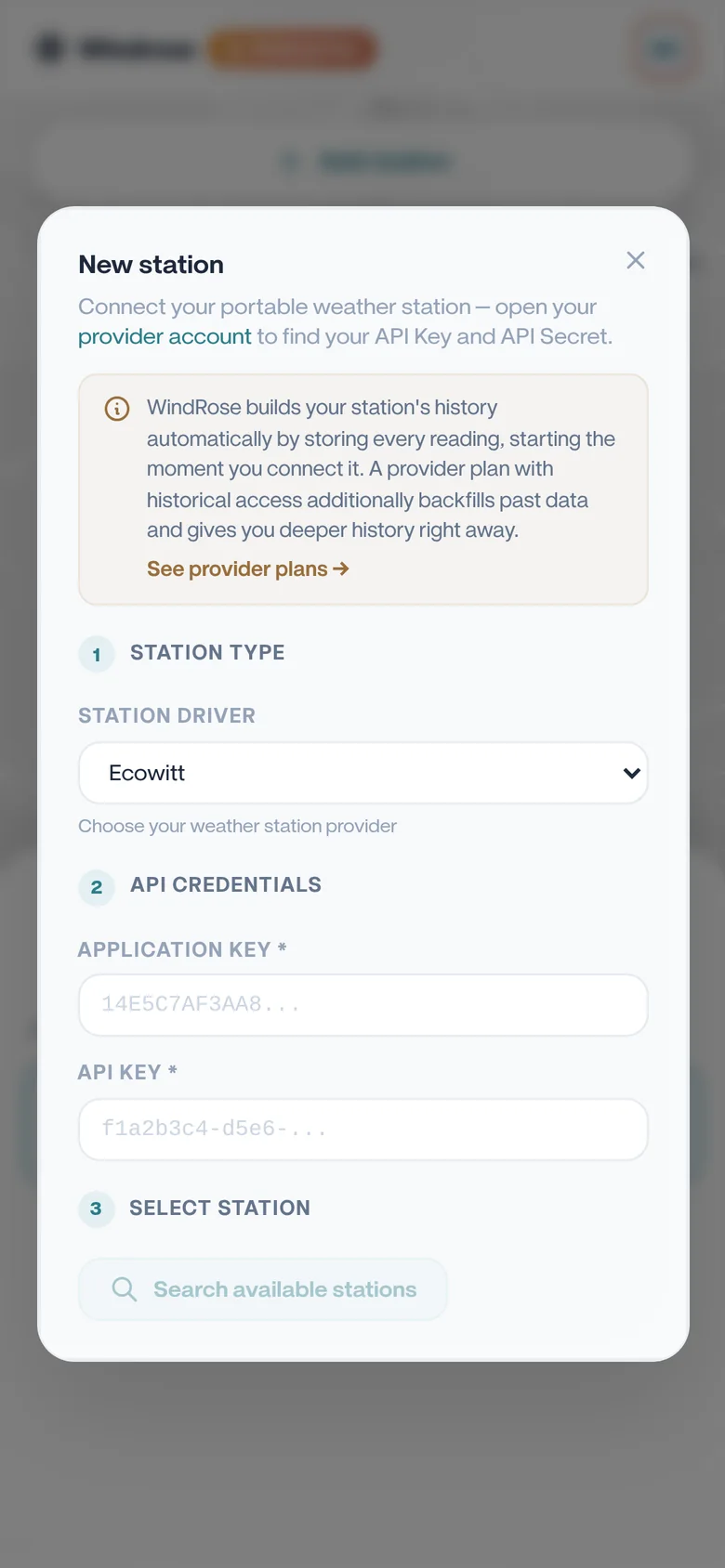
Pick your device from the list. It is identified by its MAC address.
Name it, choose its visibility, and save.
Worth knowing
Ecowitt limits how often its API can be called, so WindRose paces its requests. Readings update every few minutes rather than every few seconds.
Try it on your own station.
Free for one station, no card needed. Upgrade only if you want more.